Start a project
Use New Job, set the room, then add cabinets from the Library. Double-click a cabinet to open its editor. Save Project downloads a .ccp backup and, for signed-in members, saves a cloud copy.
Where is the cut list?
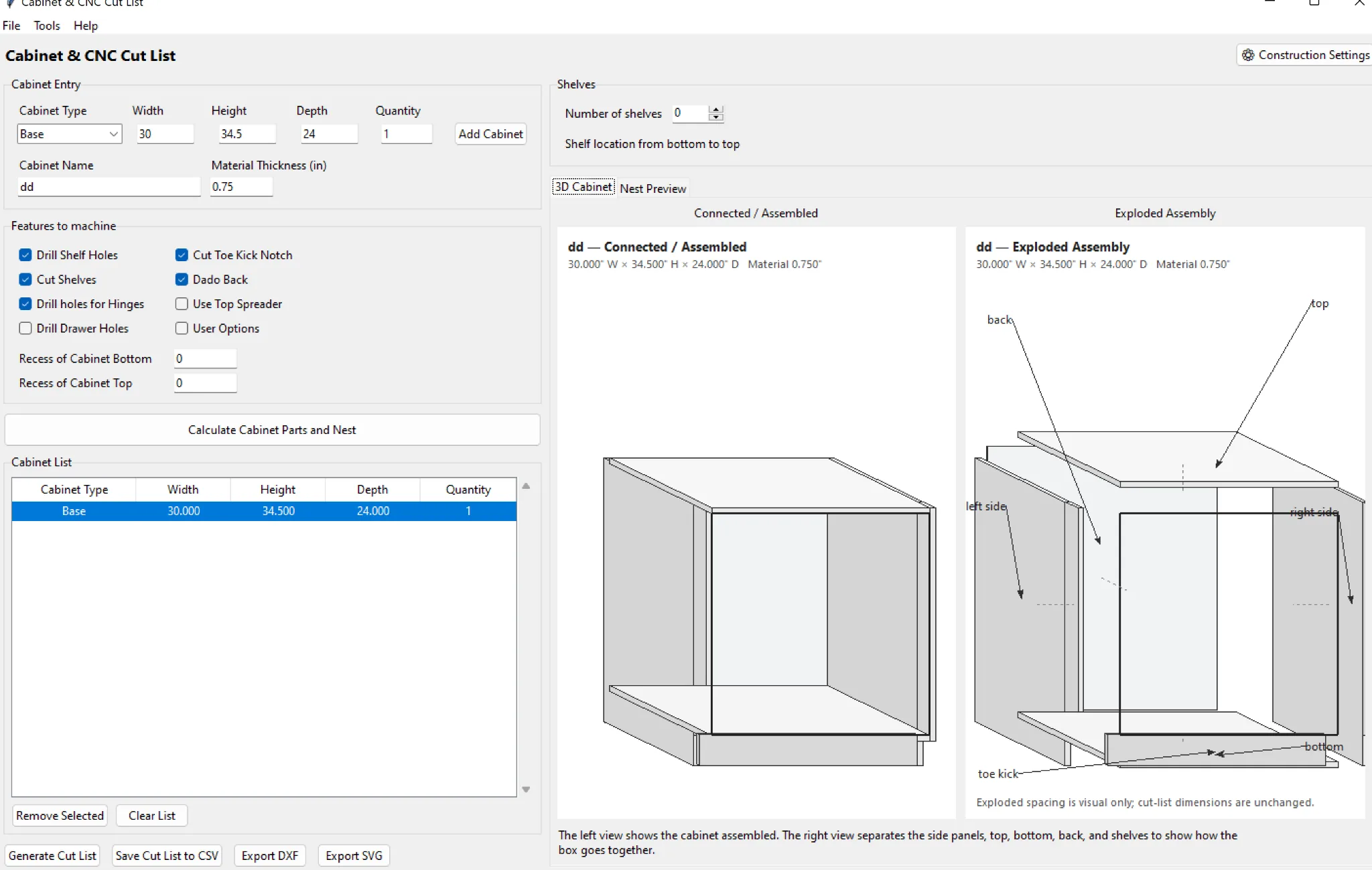
Open Parts. An empty new project will tell you to add a cabinet; the cut list refreshes automatically after production cabinets are added.
How do I create a photoreal render?
Position the 3D camera and click Photoreal AI Render. Quick is the everyday mode; Final is for presentation quality. AI rendering requires an active subscription and server configuration.
How do I export?
Parts can be exported as CSV, vector geometry as SVG/DXF, and supported CNC output from the Machine workflow. Always verify the receiving software or CNC controller before cutting.
Need a walkthrough?
Visit the Video Center for short demonstrations and complete kitchen walkthroughs.