CABINETCNC PRODUCTION GUIDE
Export Cabinet Parts to Aspire: SVG & DXF
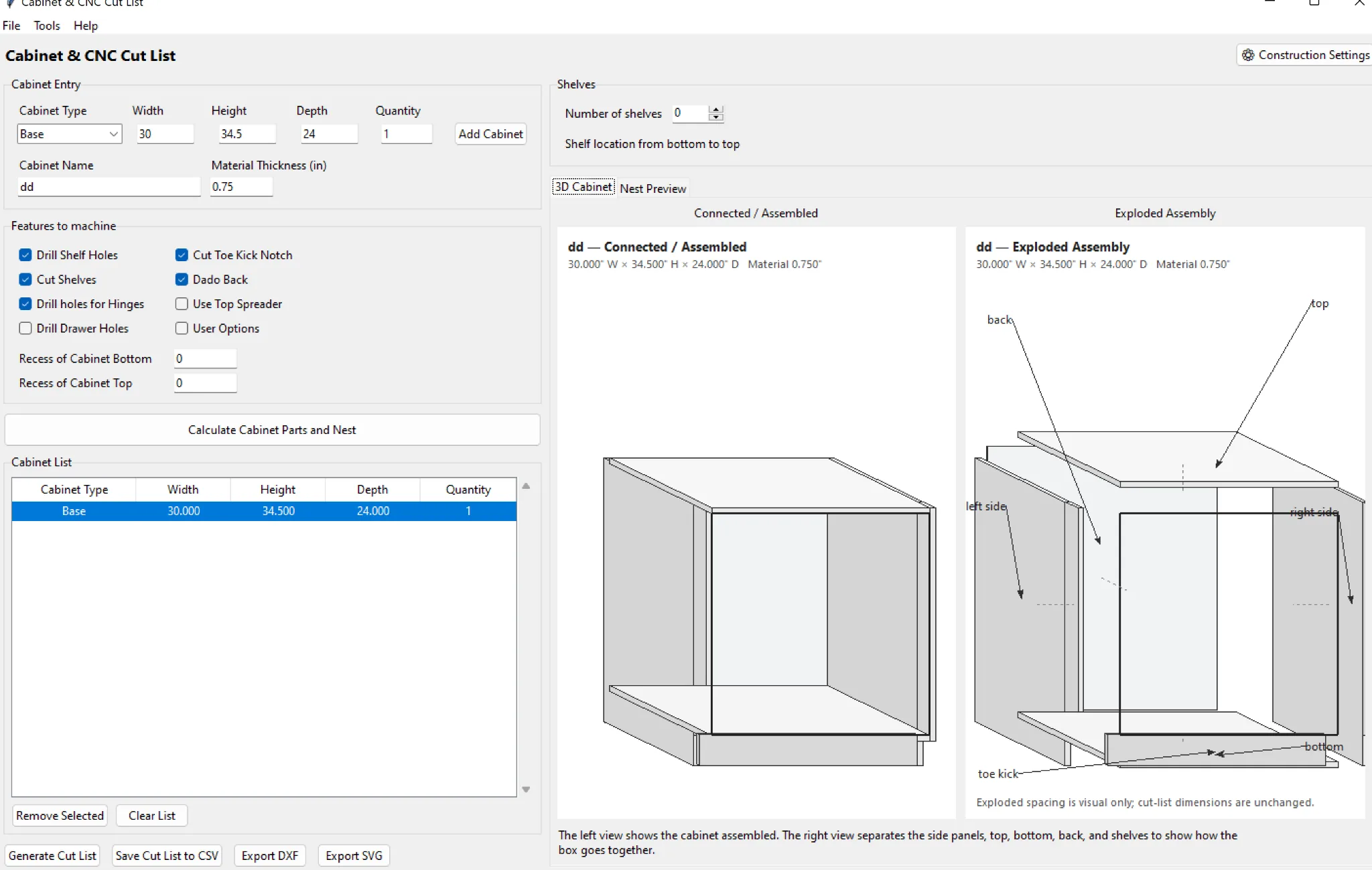
SVG and DXF are useful bridges when design software creates finished geometry and Vectric Aspire handles CAM.
Keep vectors at 1:1
Export and import without arbitrary scaling. Verify one known part dimension after import.
Separate design geometry from toolpaths
The finished part outline is not the same thing as a compensated toolpath. Apply tooling intentionally in the CAM system.
Check units
Confirm inches versus millimeters on both sides of the transfer before nesting or machining.
Shop rule: verify dimensions, material, tooling, work zero, hold-down and the first machine program before committing a full job to material.
Where CabinetCNCPro fits
CabinetCNCPro keeps the measured design, production review and customer presentation connected. The production engine remains authoritative for parts and CNC; photoreal AI images are presentation-only.