CABINETCNC PRODUCTION GUIDE
How Cabinet CNC Software Works
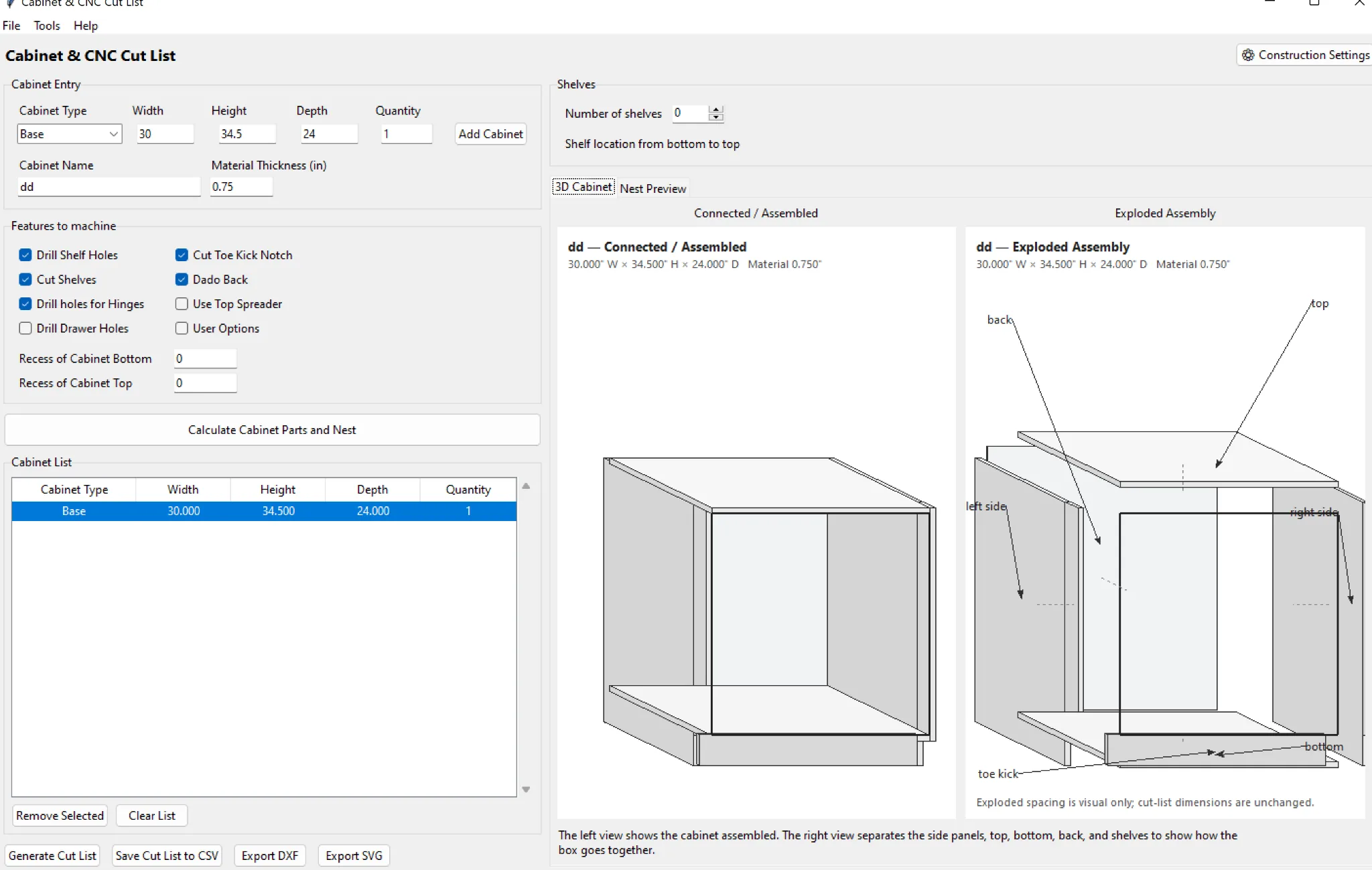
Cabinet CNC software connects the design model to the parts and machine information needed in the shop.
Start with cabinet rules
The design has to know box dimensions, material thicknesses, backs, shelves, toe settings, reveals and joinery. Those rules determine the physical parts.
Generate production parts
A production engine turns cabinet definitions into sides, tops, bottoms, backs, shelves, doors, drawer components and machining operations.
Nest and machine
Parts are grouped by material, placed onto sheets, reviewed, then converted into the machine-specific output your shop actually uses.
Where CabinetCNCPro fits
CabinetCNCPro keeps the measured design, production review and customer presentation connected. The production engine remains authoritative for parts and CNC; photoreal AI images are presentation-only.