CABINETCNC PRODUCTION GUIDE
From Kitchen Design to CNC
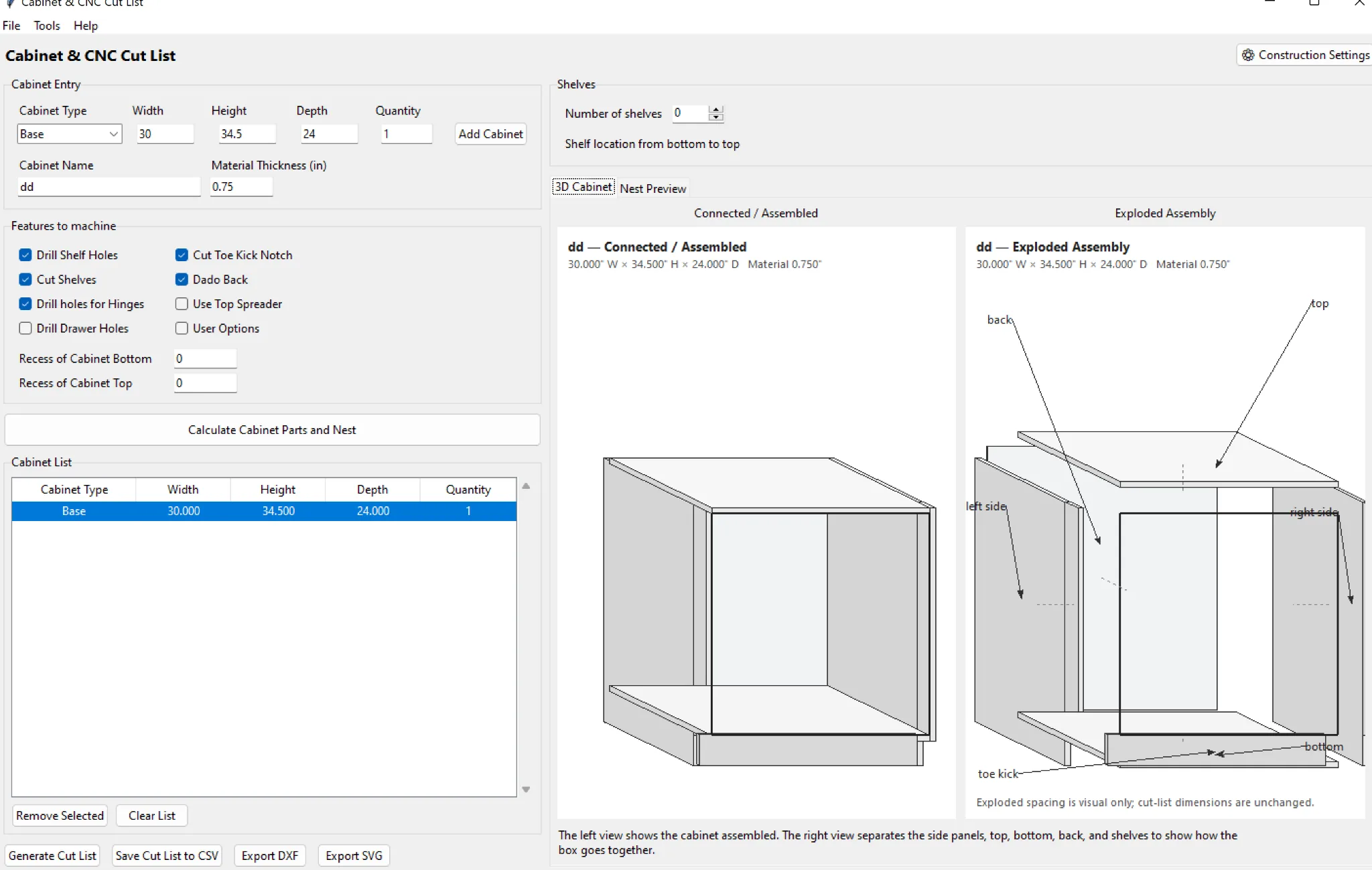
A clean workflow avoids entering the same job more than once.
1. Lay out the room
Set wall dimensions and place the main cabinet runs before chasing finish details.
2. Edit cabinets
Set each cabinet width, height, depth, fronts and special conditions.
3. Review parts
Open the cut list and confirm the generated parts match the intended construction.
4. Review nests and machine output
Confirm material groups, sheet layouts, tools, zero positions and post settings before machining.
Shop rule: verify dimensions, material, tooling, work zero, hold-down and the first machine program before committing a full job to material.
Where CabinetCNCPro fits
CabinetCNCPro keeps the measured design, production review and customer presentation connected. The production engine remains authoritative for parts and CNC; photoreal AI images are presentation-only.