CABINETCNC PRODUCTION GUIDE
CabinetCNCPro to Vectric Aspire Workflow
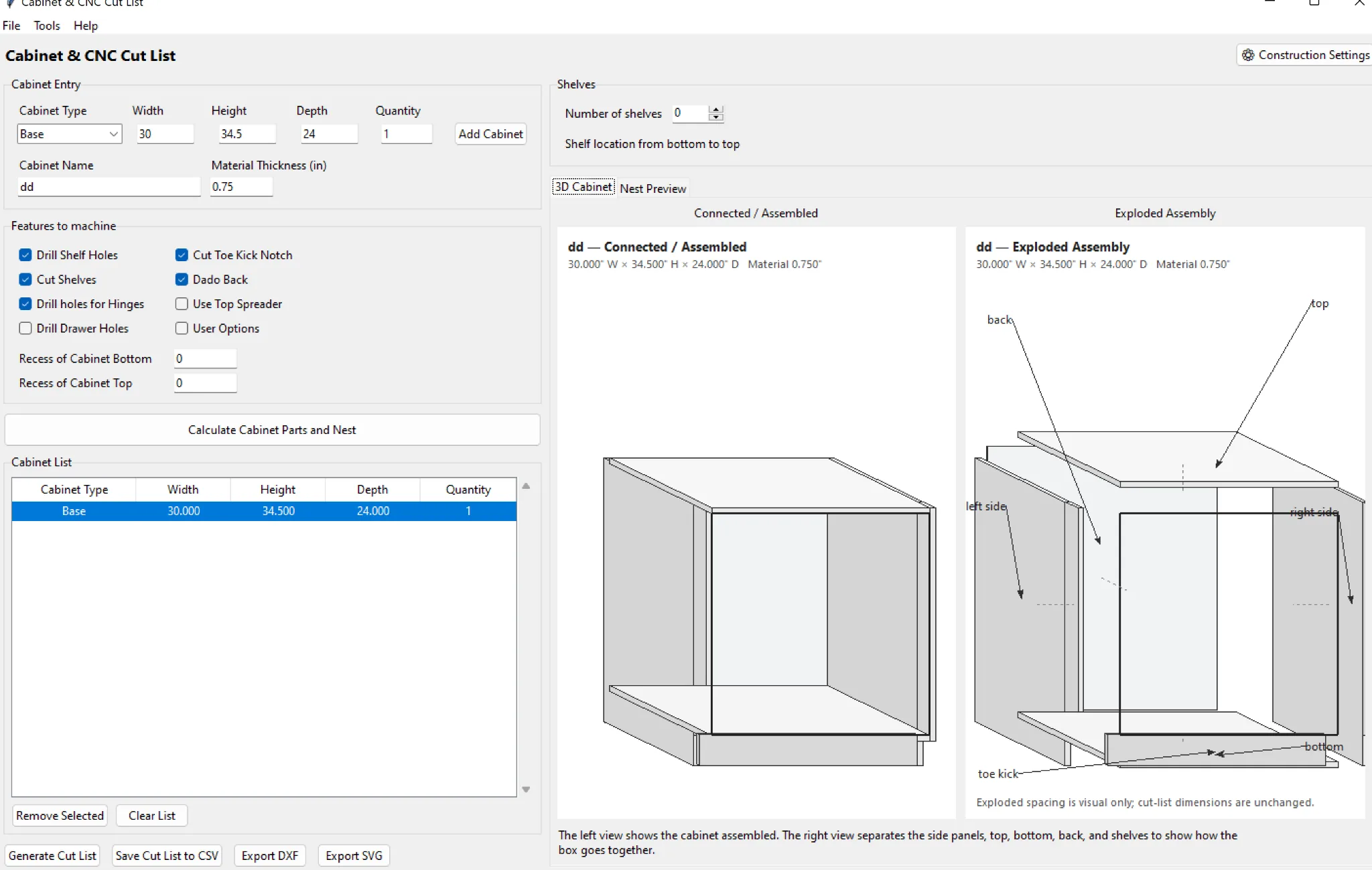
Use CabinetCNCPro for the cabinet project and Aspire for the CAM step when that matches your shop.
Export finished-part geometry
Use SVG or DXF output from the production project.
Import at 1:1
Confirm unit mode and test a known cabinet side before processing the whole job.
Assign tools in Aspire
Create pockets, dados, drilling and profiles with the machine/tool database you actually run.
Shop rule: verify dimensions, material, tooling, work zero, hold-down and the first machine program before committing a full job to material.
Where CabinetCNCPro fits
CabinetCNCPro keeps the measured design, production review and customer presentation connected. The production engine remains authoritative for parts and CNC; photoreal AI images are presentation-only.