CABINETCNC PRODUCTION GUIDE
CabinetCNCPro to ShopBot Workflow
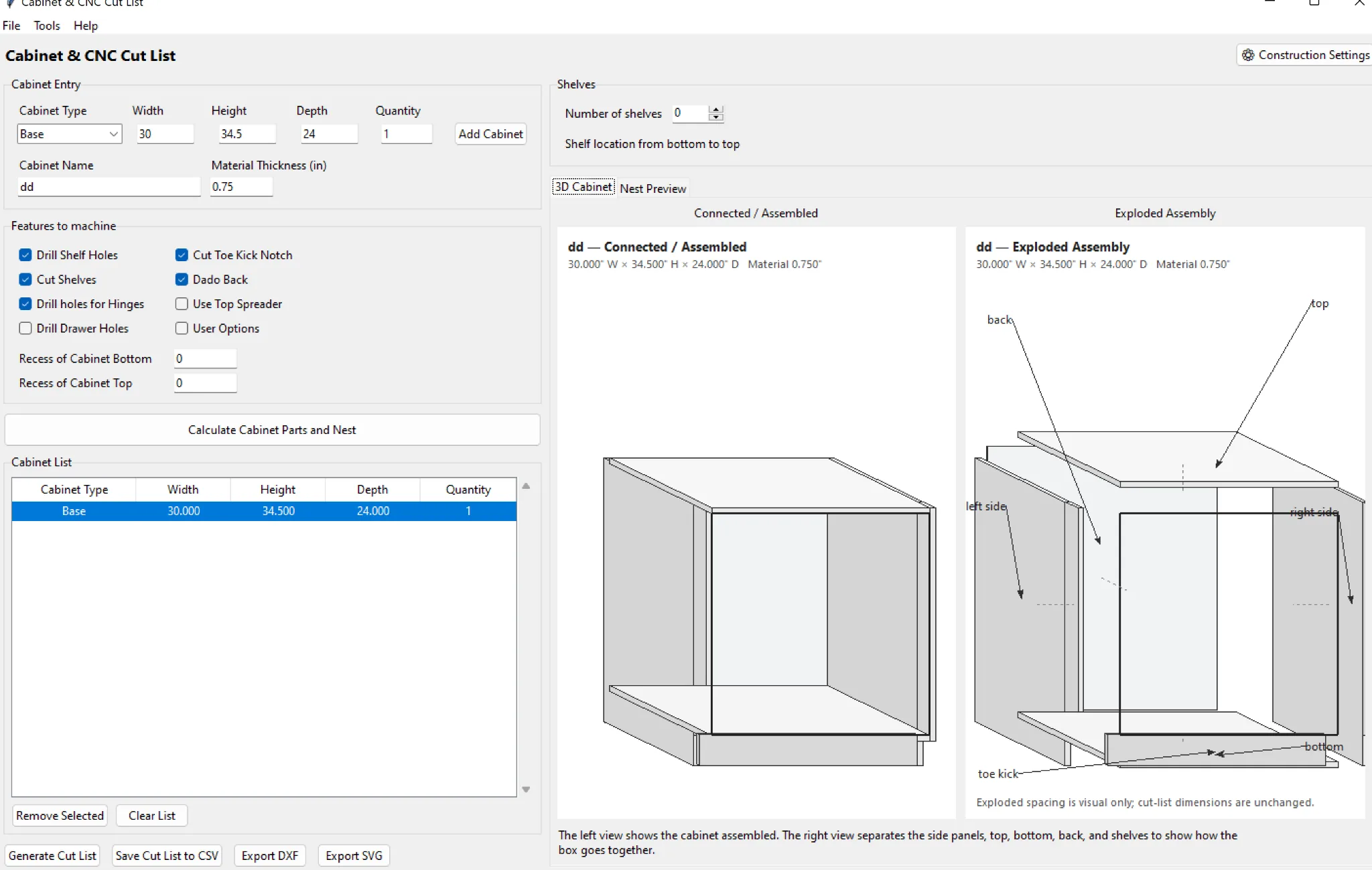
A ShopBot workflow still needs the same production discipline as any CNC router.
Review the generated parts
Make sure cabinet construction and material thickness are correct before posting.
Confirm ShopBot-specific settings
Tool numbers, feeds, spindle commands, safe Z and zero position have to match the actual machine.
Air-cut the first job
Run above the material or use a proven dry-run procedure after any post or tooling change.
Shop rule: verify dimensions, material, tooling, work zero, hold-down and the first machine program before committing a full job to material.
Where CabinetCNCPro fits
CabinetCNCPro keeps the measured design, production review and customer presentation connected. The production engine remains authoritative for parts and CNC; photoreal AI images are presentation-only.